Moose 0.7.5
Bring GGUF models from Hugging Face into Moose, with a new download dialog and fixes for setup and chat appearance.
Chat with local and cloud AI on Linux.
Ask questions, write code and work with your files in a native Linux app. Download models from Ollama or bring compatible GGUF models from Hugging Face. Let Moose manage your local Ollama setup, connect an existing server, or choose a cloud provider. Conversations, drafts and your document library are saved on your computer.
flatpak install flathub io.github.moooossee.MooseRequires Flatpak and the Flathub remote. Install Moose, then set up Ollama or connect a provider from the app. Getting started
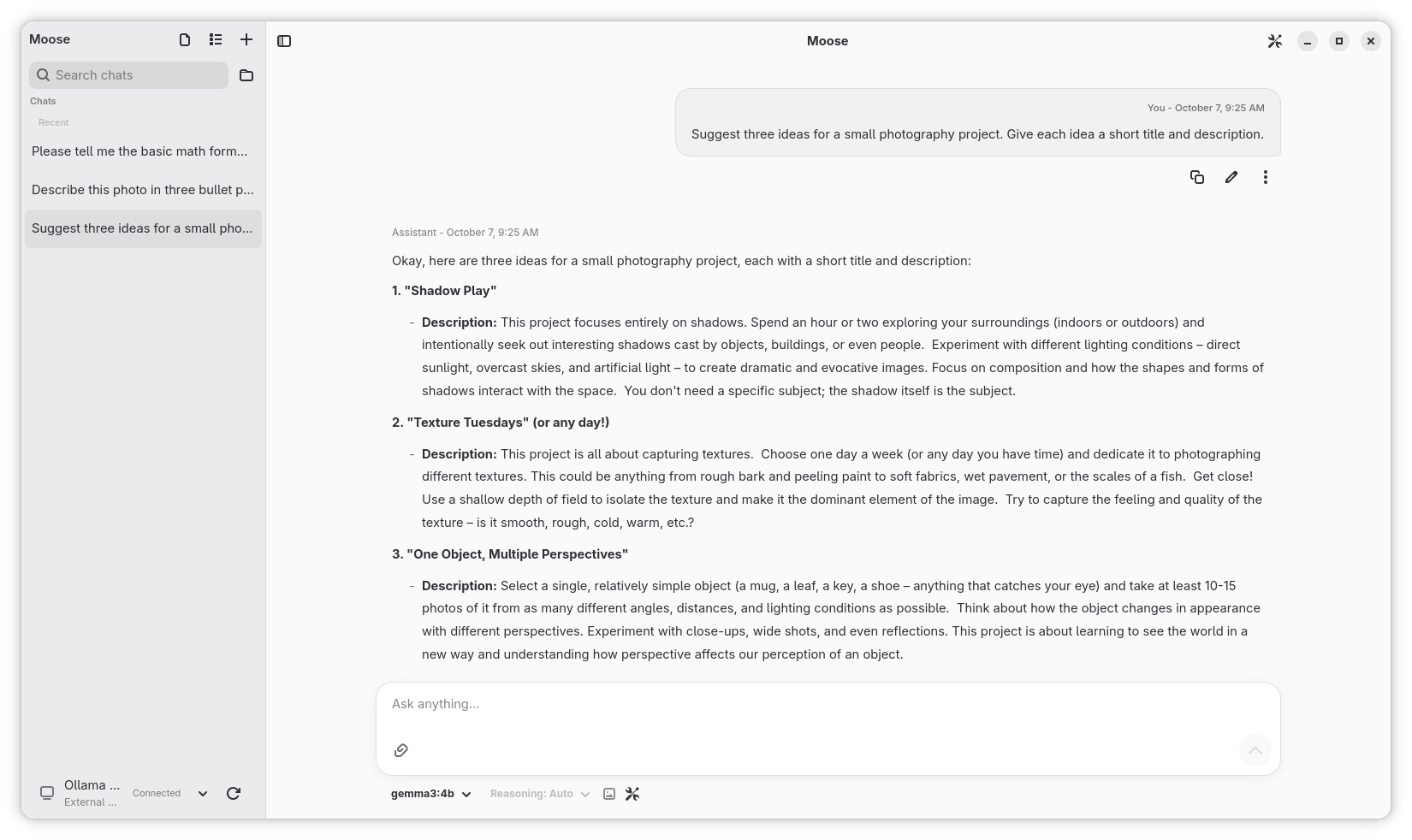
Paste a model link or an Ollama command to download a model, choose a Hugging Face variant, and start a new chat when it is ready. This release also fixes provider selection during setup and chat backgrounds with custom GTK themes.
Images require a model with vision support. PDFs need selectable text. See Files and documents.
Open Download Model and paste a Hugging Face repository link. Leave the variant on Automatic, or choose a quantization such as Q4_K_M or an exact GGUF filename. Moose shows the model source and the Ollama connection that will download it.
You can also paste a model link into model search. Installed Hugging Face models link back to their repository, and an already installed chat model can open a new conversation straight from the download dialog.
Choose a GGUF model supported by your Ollama version and suited to the memory available on the device running it.
Use Ollama managed by Moose, connect an existing Ollama instance, or bring your own credentials for a cloud provider:
Custom connections support OpenAI Chat Completions, OpenAI Responses, Anthropic Messages and Google Gemini APIs. Discover models automatically or save their exact IDs, and choose image support for each manual model.
Local Only mode restricts inference to Moose-managed Ollama. Remote connections ask permission before sharing messages; files need separate permission. API keys use your desktop's secret storage.
Open Preferences → Ollama & Diagnostics to check for engine updates or repair an installation. Interrupted engine downloads can resume, and a failed update restores the previous installation. Your models, chats and connections stay put.
If a model needs a newer Ollama version, Moose can update its managed installation and retry the download. You can also view recent logs and copy error details when you need help.
Bring GGUF models from Hugging Face into Moose, with a new download dialog and fixes for setup and chat appearance.